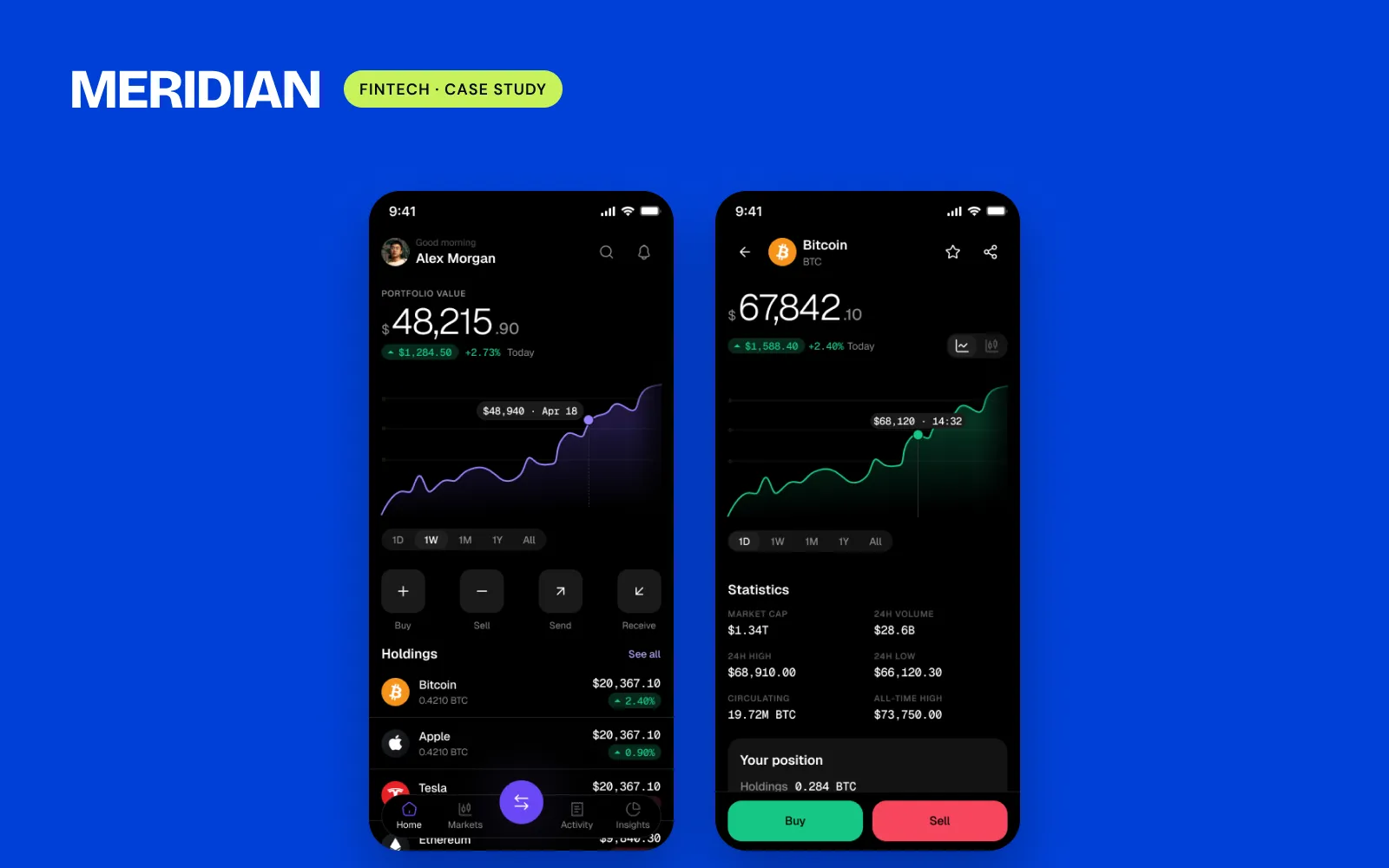
01
One token layer for Light and Dark
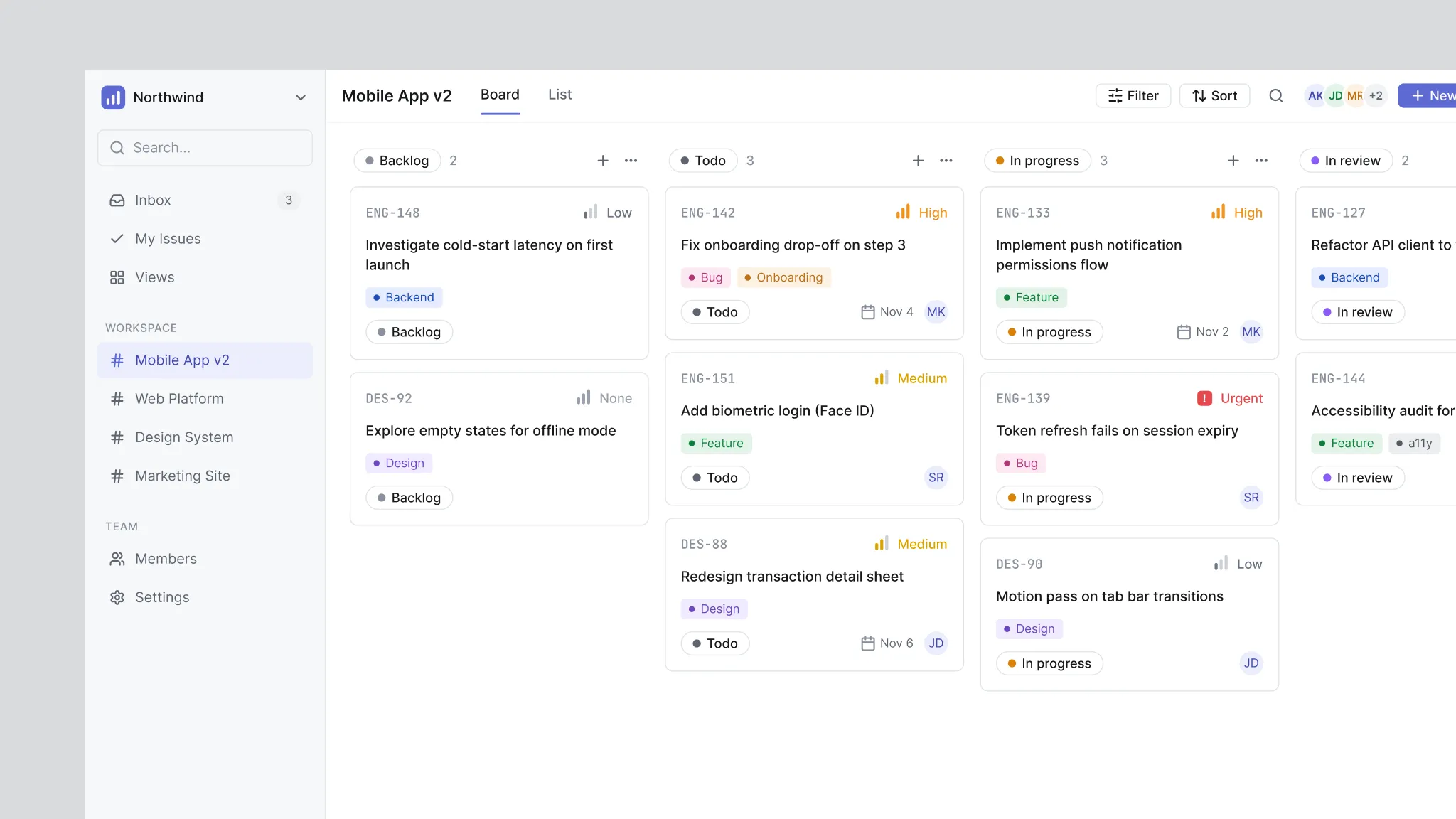
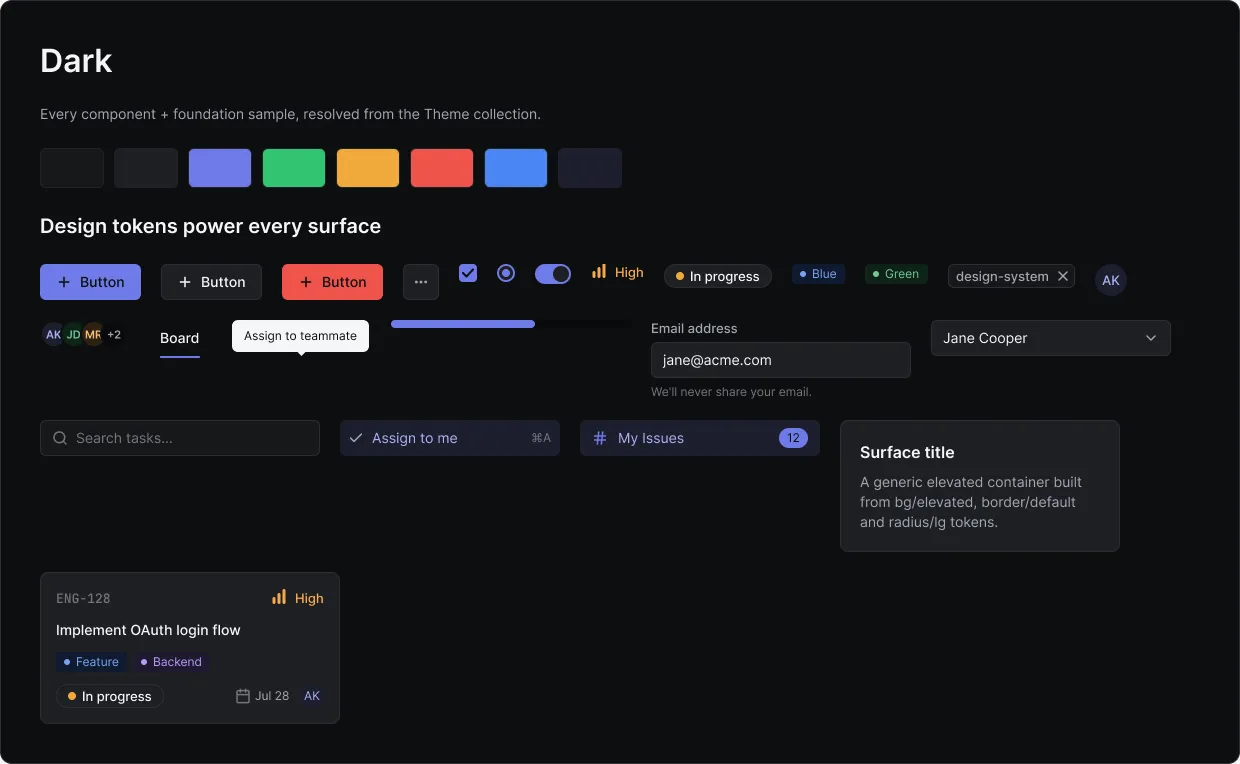
Every colour is a token with a Light and a Dark value, so the whole product switches theme without a second set of screens.
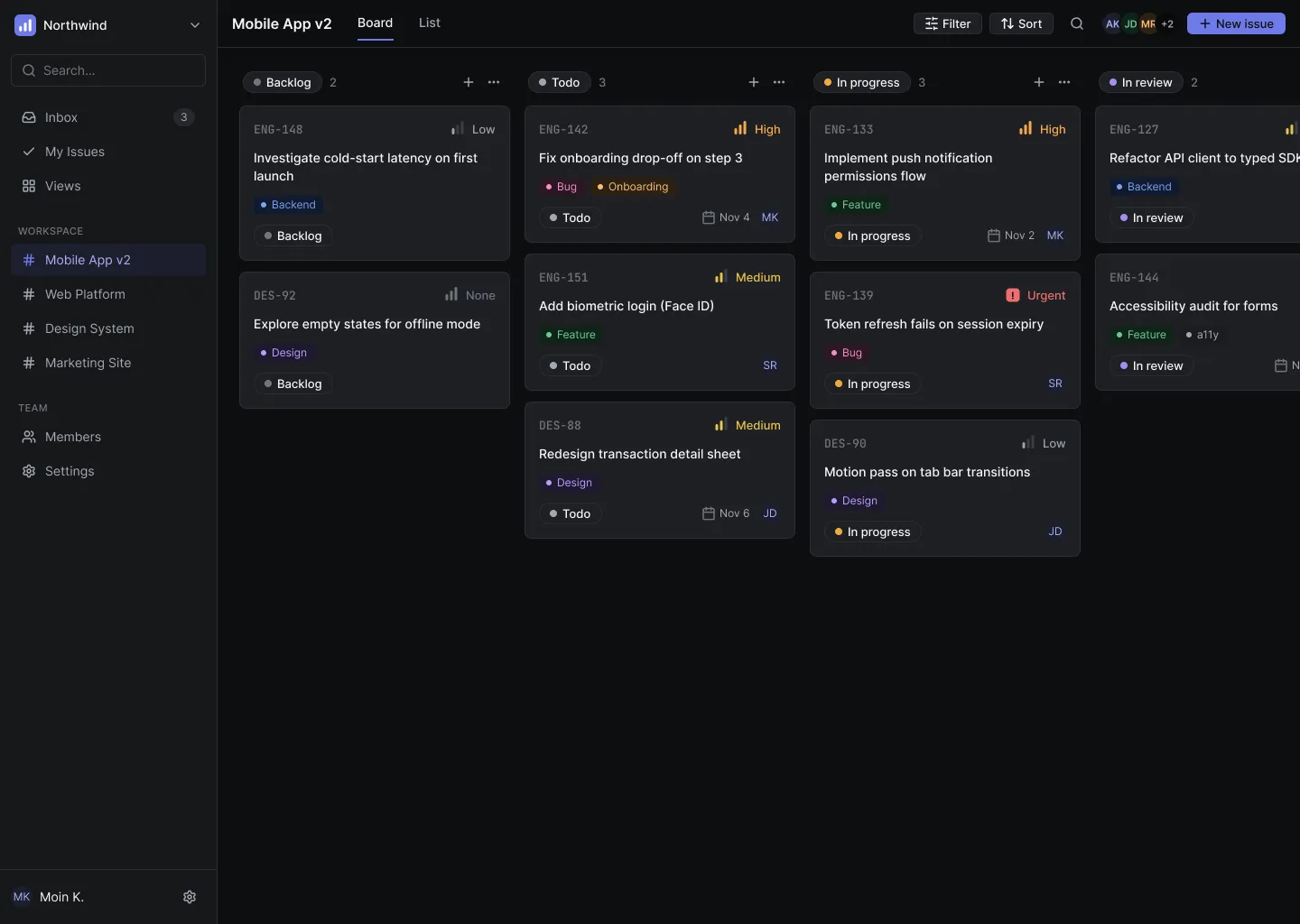
A project-management tool for small teams, designed end to end on one design system with Light and Dark themes.
/The problem
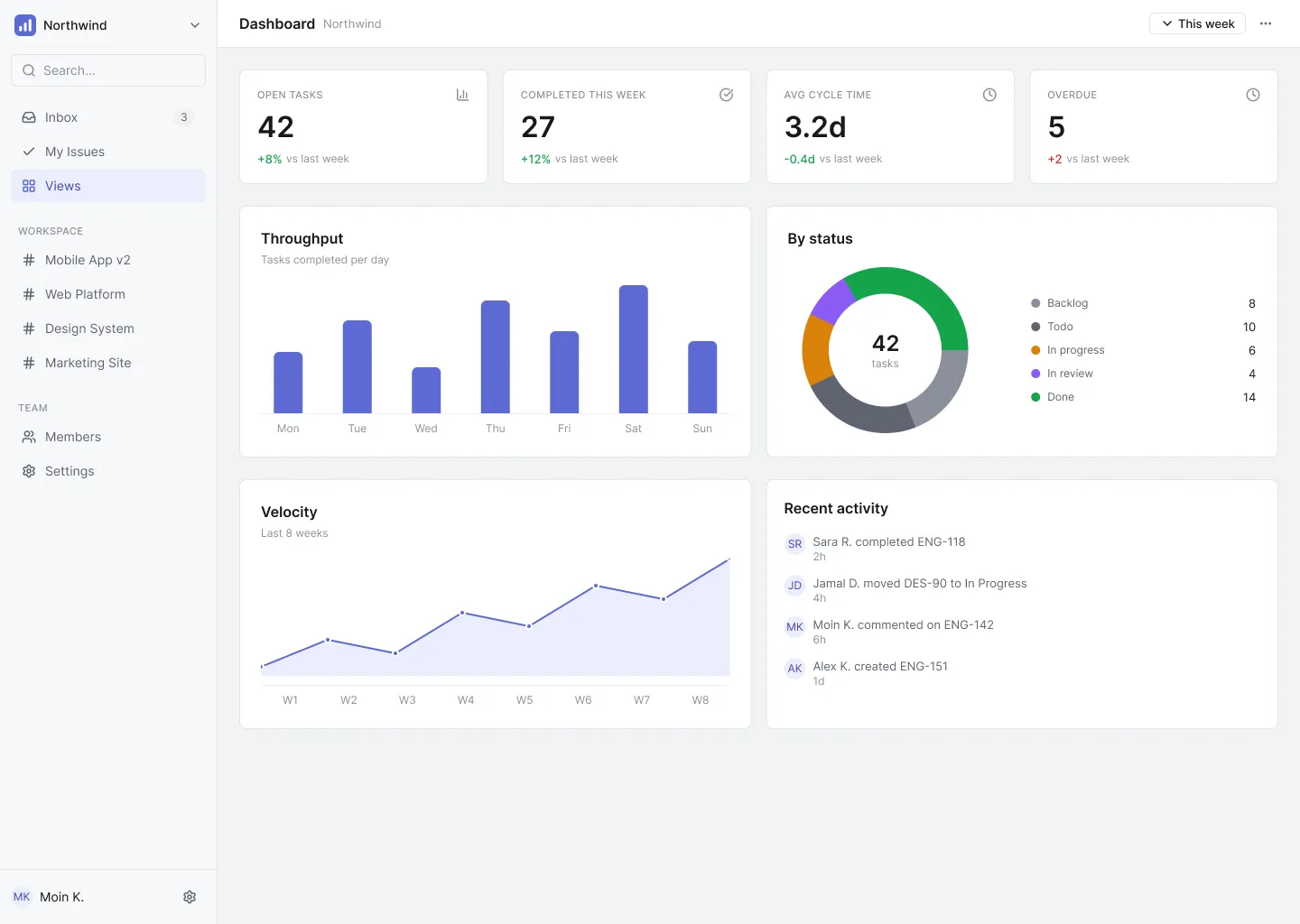
Project tools for teams try to show everything at once. Boards, lists, filters and settings all compete for space. I wanted to see how calm a team's daily view could be: what's mine today, what's blocked, and what's next.
/My approach
I started with the tokens, not the screens. Cadence has 81 variables in two collections: a Theme layer with a Light and a Dark value for every colour, and a Primitives layer for space and radius. Every component is bound to those tokens, so switching theme is one setting, not a second set of files.
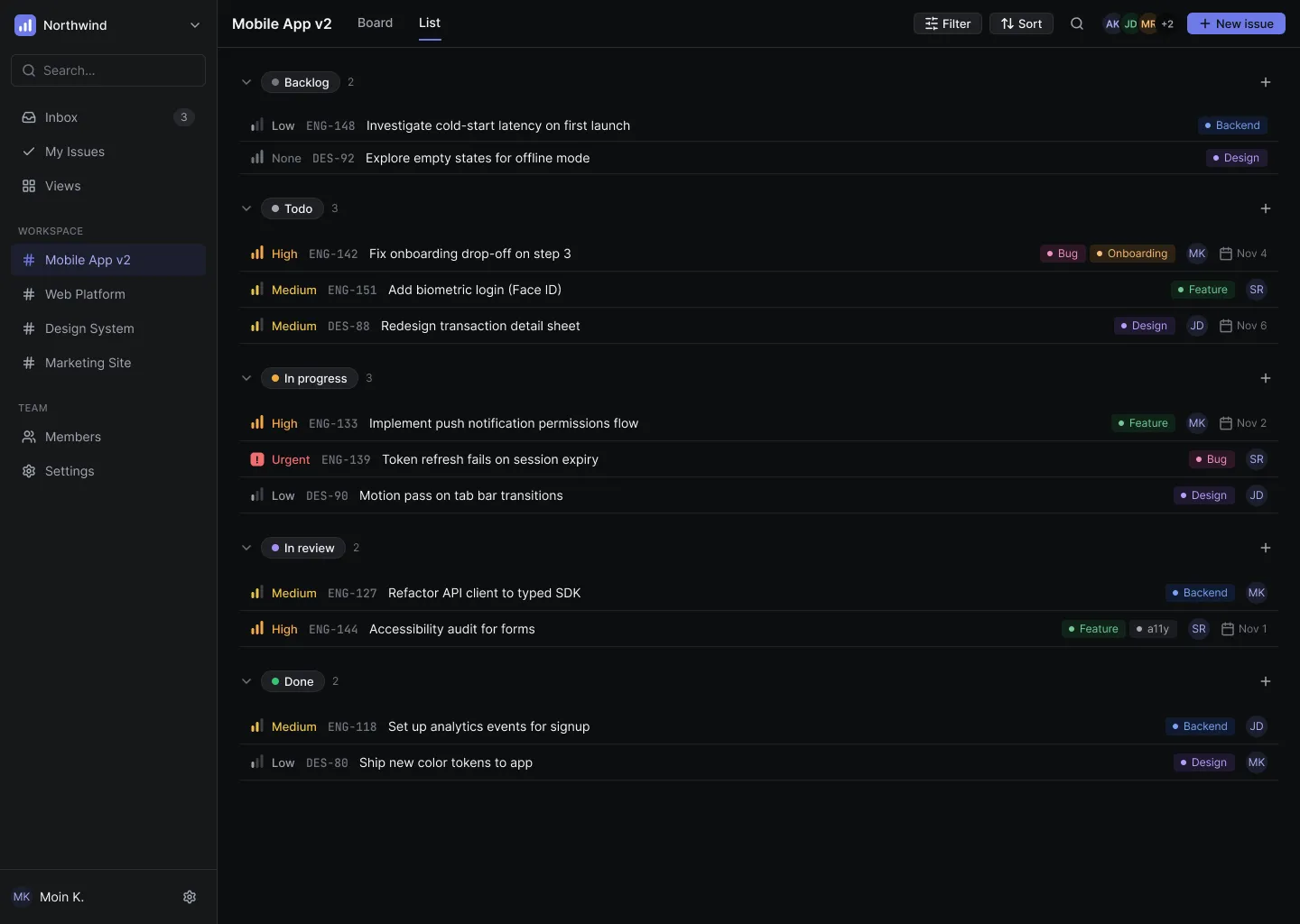
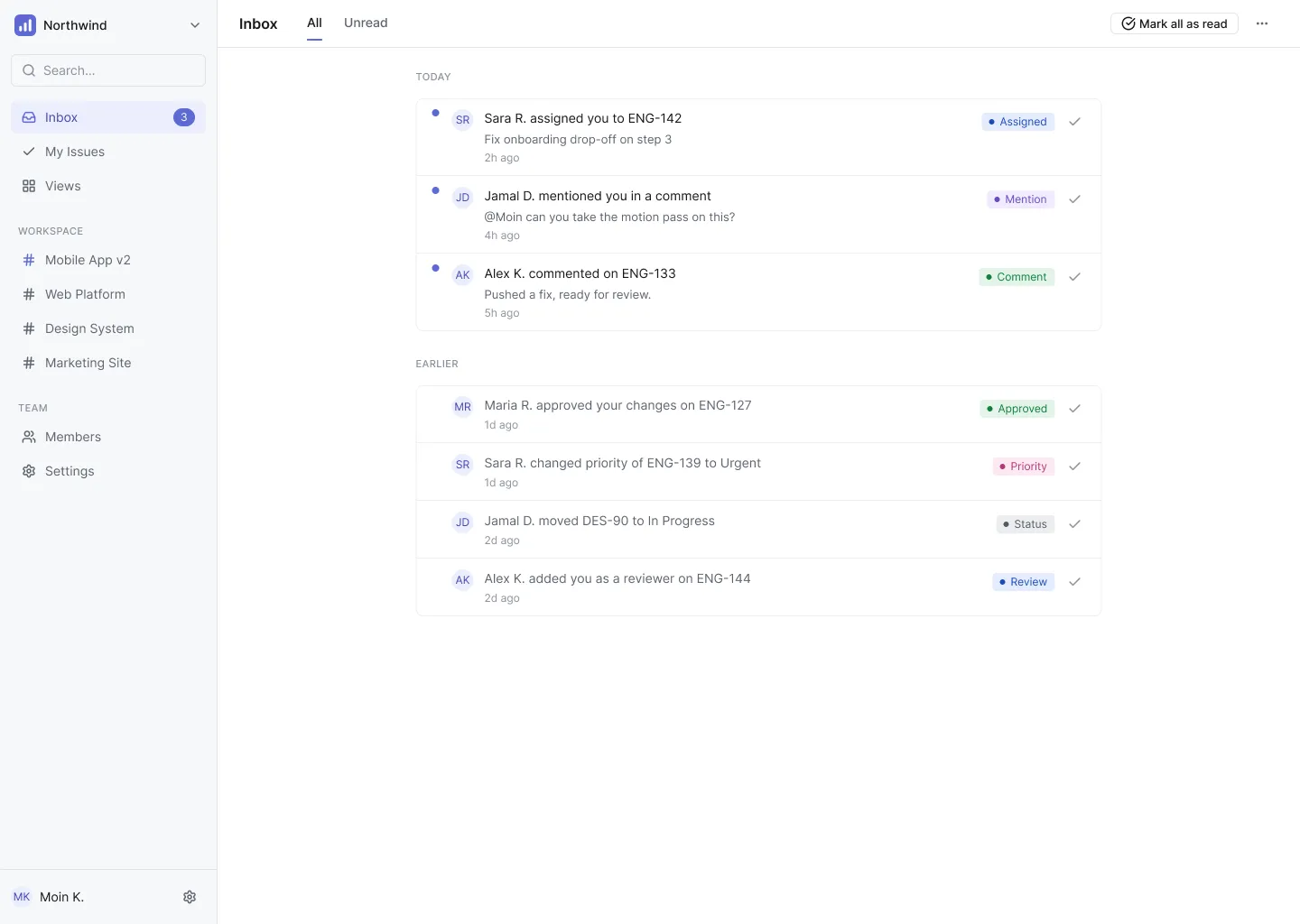
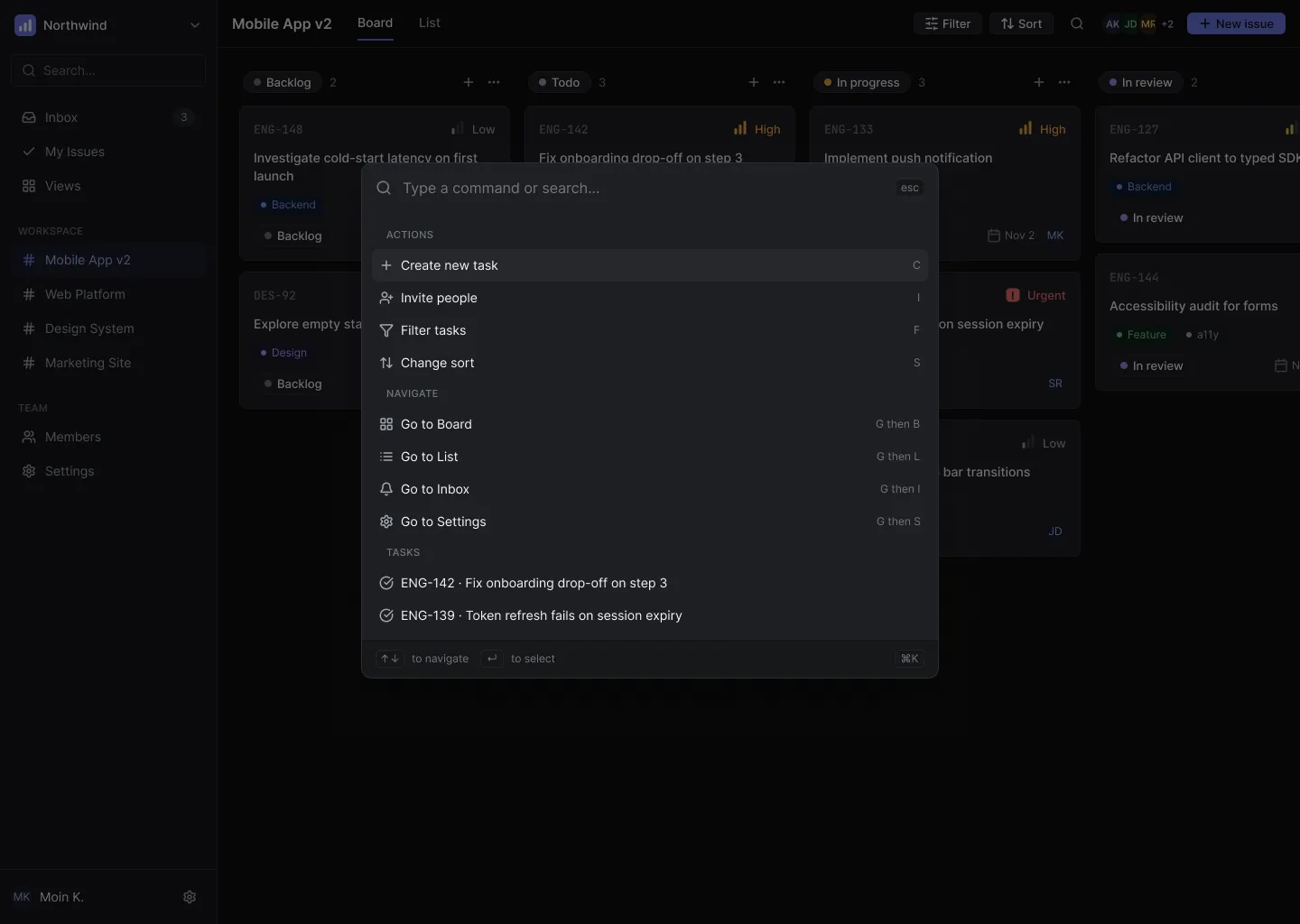
Then I built the 21 components the screens needed, from buttons and inputs to the Task Card, and wired in 32 icons. Only after that did I design the 19 screens, each in Light and Dark: the board, list, task detail, filters, members, settings, inbox, command palette and the empty states.
Working this way made the hard parts easier. Dark mode cost almost nothing, and when the Task Card changed, every board, list and search result changed with it.
/Who uses it
Team member
“What should I work on today?”
Team lead
“What's blocked, and who has too much?”
/Key decisions
Every colour is a token with a Light and a Dark value, so the whole product switches theme without a second set of screens.
ID, title, priority, status, due date and assignee fit in one compact card. Boards, lists and search all show tasks the same way, so people learn it once.
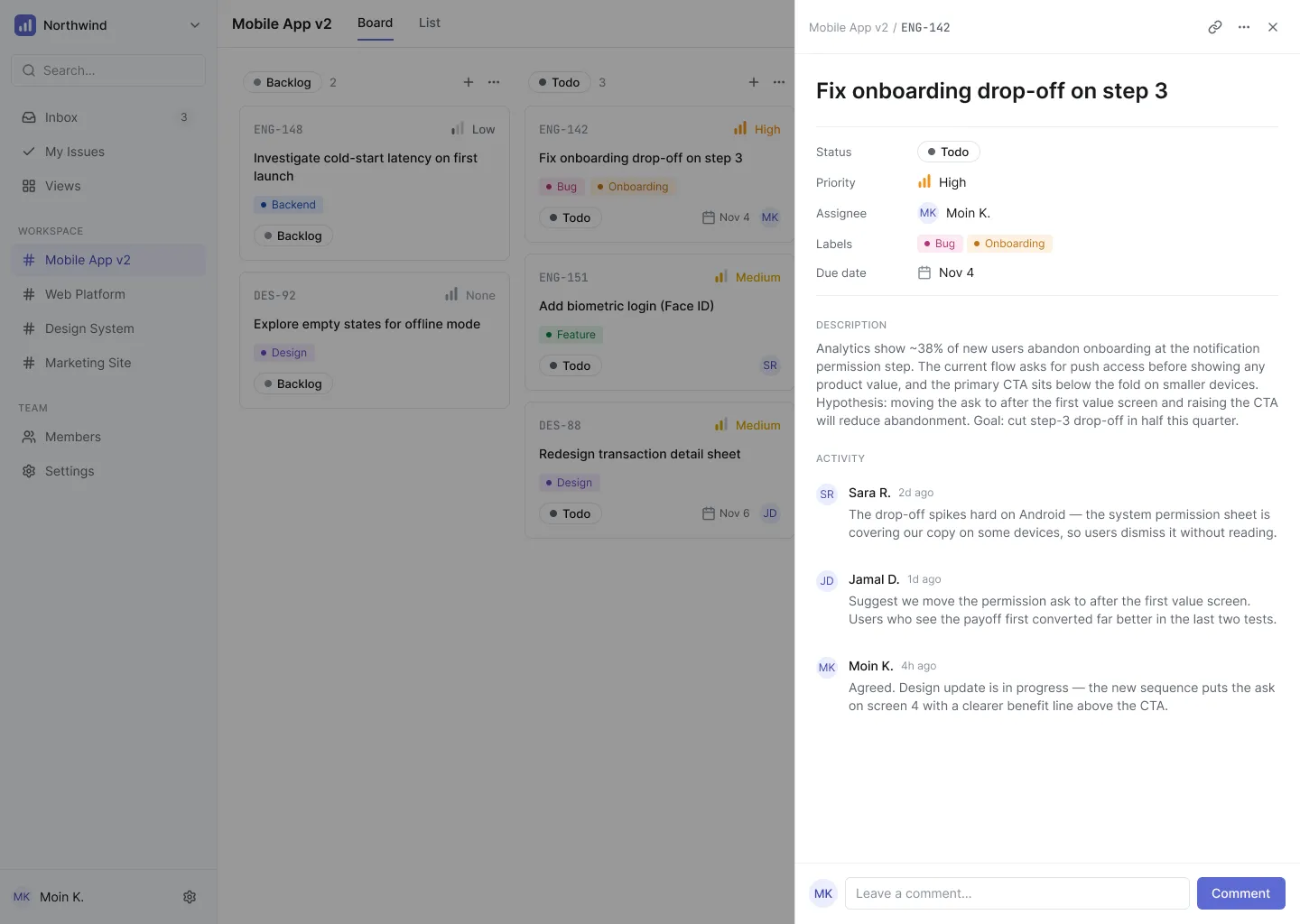
Opening a task slides a panel over the board instead of loading a new page. You read or edit the task and never lose your place.
/Screens
Dashboard, list, inbox and command palette. 19 screens, each in Light and Dark.
/Design system
81 tokens, 12 text styles, 21 components and 32 icons. Every screen is made from these parts.
/What I'd do next
This is a self-initiated project, so there are no real users yet. Next I'd test the board with a small team, time how long it takes to find today's tasks, and add keyboard shortcuts for people who live in the tool all day.
Need a dashboard like this? See SaaS Dashboard Design
Tell me what you're building. I'll tell you honestly if I'm the right fit.
Your time: —My time (Pakistan): —I reply within 24 hours on weekdays.